Thank you! Your submission has been received!
Oops! Something went wrong while submitting the form.
Choose Options

Click to enlarge
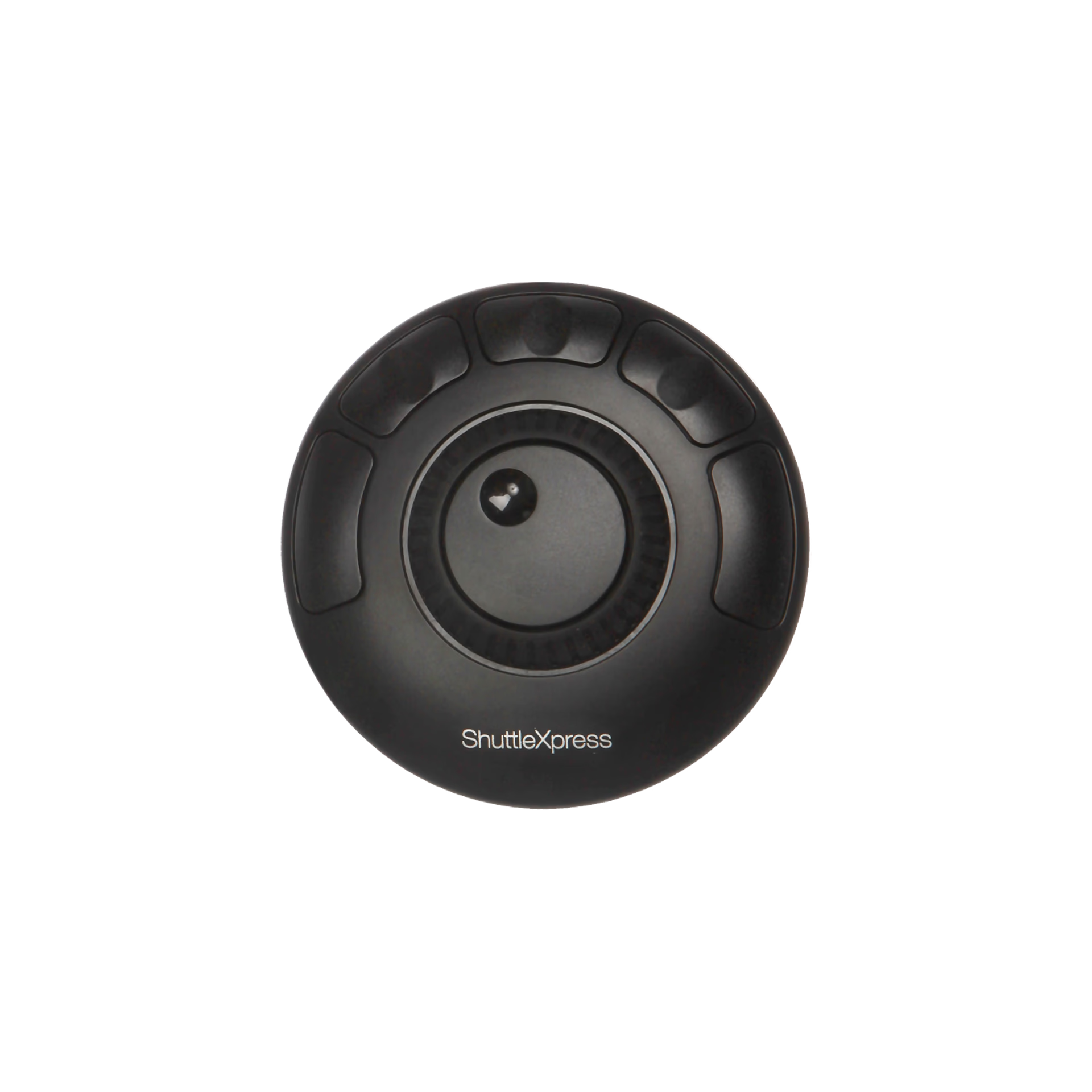
The essential jog-and-shuttle controller for editors who want faster timeline control without a steep learning curve. Five programmable buttons, compact form, instant impact.
Simple Speed for Creative Workflows
Skip. Scrub. Scroll. Shuttle Xpress puts fast, fluid navigation at your fingertips—so you can stop wrestling with software and start creating with confidence.
Whether you’re editing video, trimming audio, or organizing timelines, this compact multimedia controller gives you precision control with five programmable buttons and a jog-and-shuttle wheel combo. Designed for creative pros, it’s plug-and-play ready with most major software and sized to fit anywhere on your desk.
Why You’ll Love It
Support
Our documentation gets you up and running quickly and easily. If you have any questions use the links below or contact our support.
Getting Started
Frequently Asked Questions
Returns
Contact Support
Downloads
Drivers
Manuals
Other Documents
Sustainability
As seen on






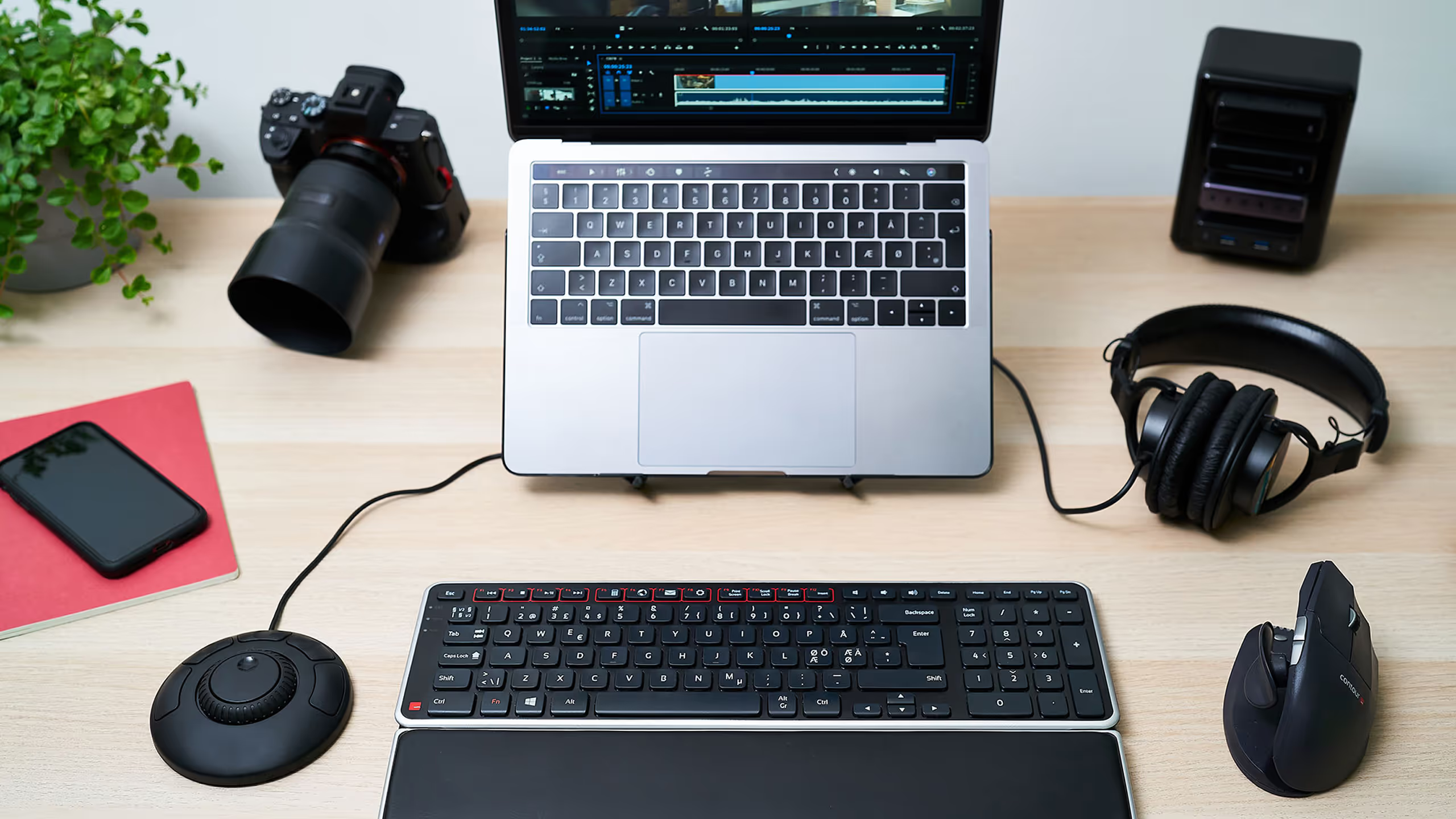
Everything you need for a pain-free workday, bundled and priced better together.
A mouse alone wasn’t built for creative timelines. The constant dragging, zooming, and scrubbing slows you down and wears your hand out.
Shuttle Xpress changes that. It takes the pressure off your hands—and puts precision at your fingertips.
So you can work faster, feel better, and stay in flow longer.
10-30% time savings reported by creative pros when using shuttle controllers vs. mouse-only editing.
Works right away with major apps like Premiere Pro, Final Cut Pro, Audition, Cubase, and more.
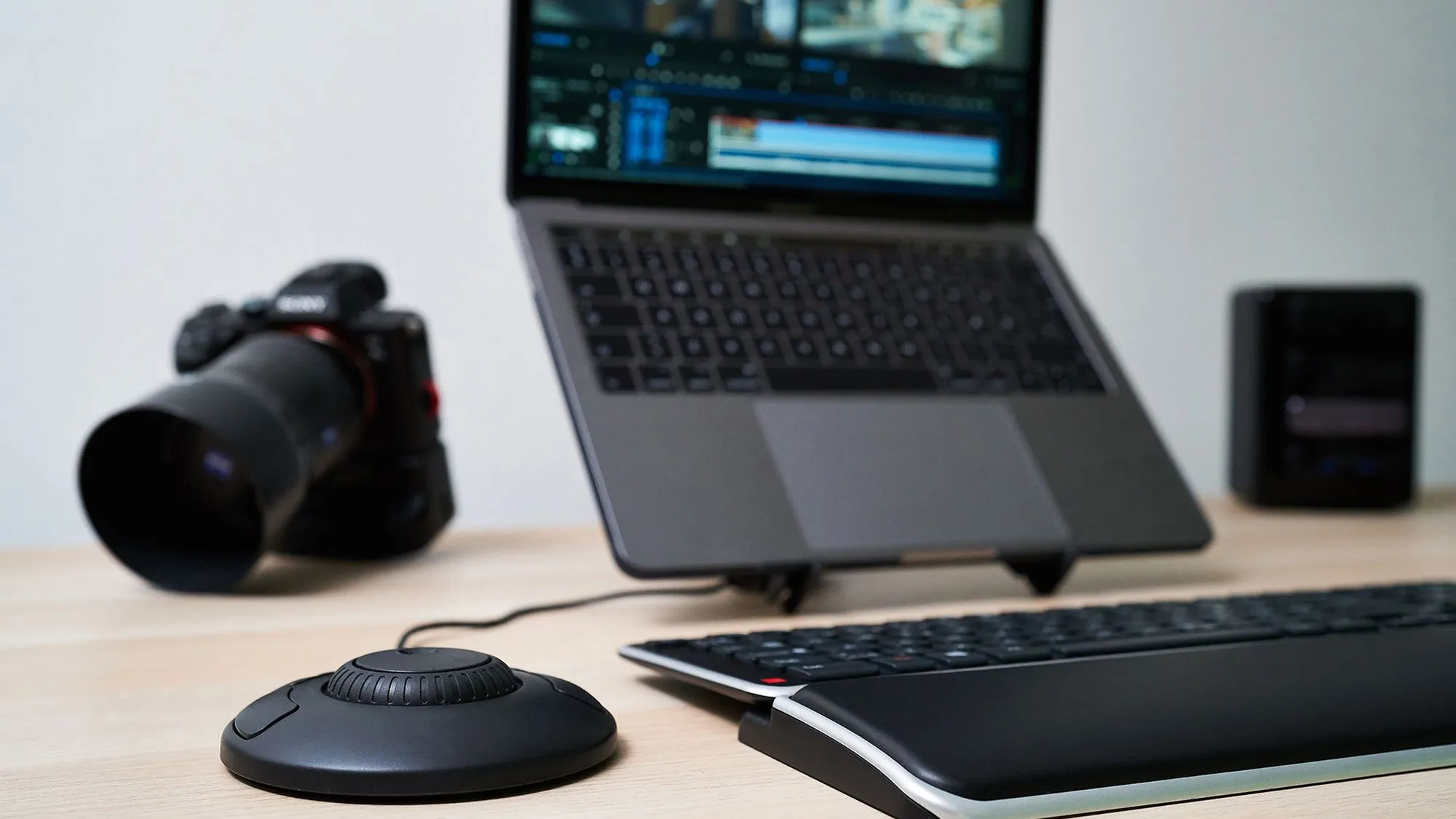
Designed to fit anywhere on your desk and work comfortably from either side.
Ideal for small studios, mobile kits, or secondary controllers.

Discover What Makes Shuttle Xpress a Game-Changer
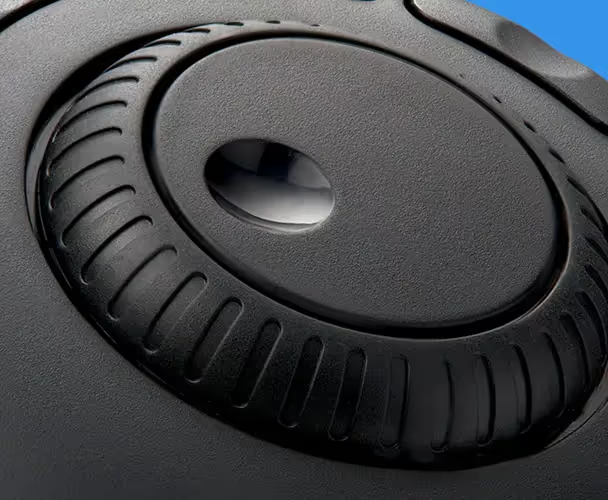
Smoothly fast-forward, rewind, or play at variable speeds—no more frantic dragging.
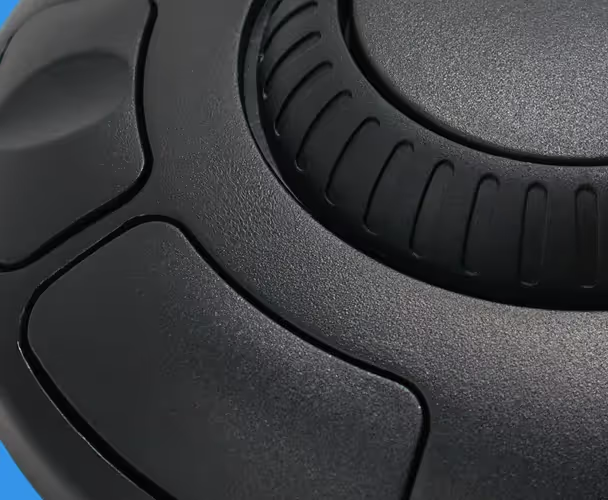
Map your favorite functions—like undo, save, zoom, or switch tools—so you can edit with muscle memory.
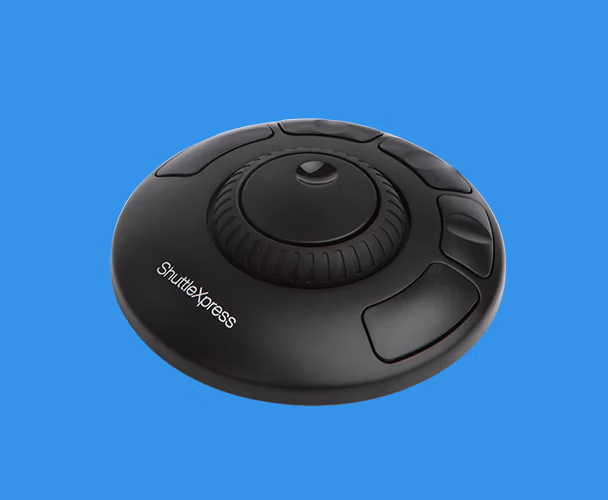
Slip it next to your keyboard or pack it in your gear bag. Always ready, never in the way.
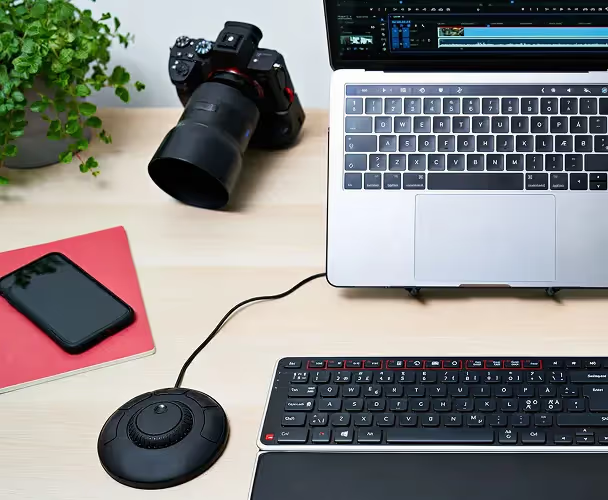
No drivers. No setup. Just plug it in and go—compatible with Windows and macOS.
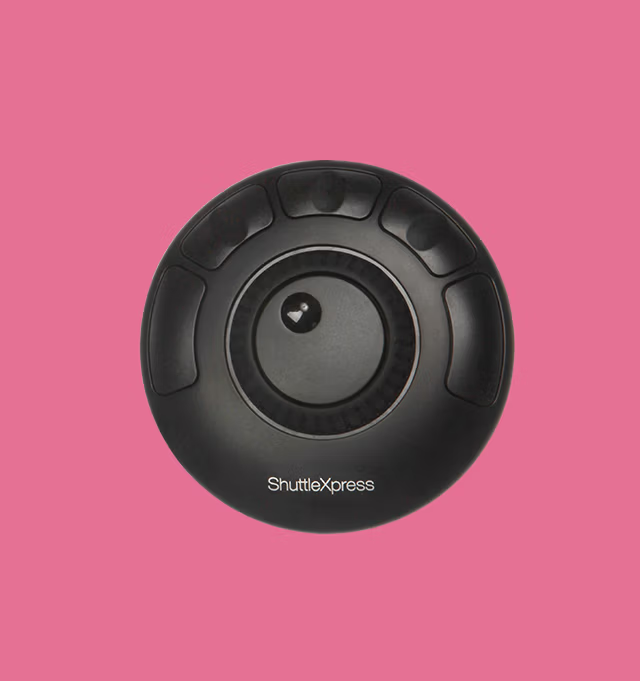
Scroll through video or audio one frame at a time with a spring-loaded jog wheel that snaps back to center.
Whether you’re editing a feature film, slicing up sound clips, or managing a YouTube channel, Shuttle Xpress fits right in. It simplifies the technical and brings you closer to the creative.

Reece Bithrey
UNTITLED tech
Real people share how Contour changed their workday.
Answer a few quick questions, and we’ll match you with a device that works perfectly for your needs.

Got questions? We’ve got answers!
It supports most major editing programs including Adobe Premiere Pro, Final Cut Pro, Audition, After Effects, Avid, DaVinci Resolve, Cubase, Pro Tools, and more.
Nope. It’s plug-and-play compatible with many programs. Optional drivers are available if you want to fine-tune your shortcuts.
Yes. Shuttle Xpress is designed for the repetitive navigation tasks that slow down keyboard and mouse editing—like scrubbing, zooming, and jumping cuts.
Absolutely. It’s compact and symmetrical, so you can use it on either side of your keyboard.
Yes. It’s fully compatible with both platforms.
We're here to help you!
